
Data and safety
What we know about your child, in plain English.
A child never needs an email address, and nothing we hold is sold or shared with an advertiser.
What we store
Read the details
- The child’s name
- Whatever you type — a first name or a nickname is fine, and plenty of our families use one — and which of four animal pictures they picked. It is there so the child sees themselves in the app.
- An age band
- Which of six bands they are in. Not a date of birth: we used to have a field for one, never filled it in, and removed it.
- A username, if you give them one
- So your child can sign in as themselves. You choose it; they do not need an email address. The password is kept only in scrambled form by the sign-in system, where nobody at Radlor can read it.
- Their lessons and progress
- Which lessons you gave them and any due dates, which topics they have finished, and where practice stands on each — the level reached and whether it is mastered. This is the whole point: it is what lets the next question be the right one.
- Points and game time
- Each time points were earned or spent, and the game-time settings you choose: on or off, and the most minutes per day.
- Class exercise results
- Only if a teacher’s class sets exercises: how each question went and when, which that class’s teacher can see.
- The parent’s email, and your PIN
- Your email is for the account — the address you signed up with, or the one attached to your Google account. The four-digit PIN that guards your dashboard is kept only in scrambled form.
If you asked for early access before you had an account, we also still have the email address you gave us and the grade (or, before 19 September 2026, the age band) you picked, from that request.
What we never store
Read the details
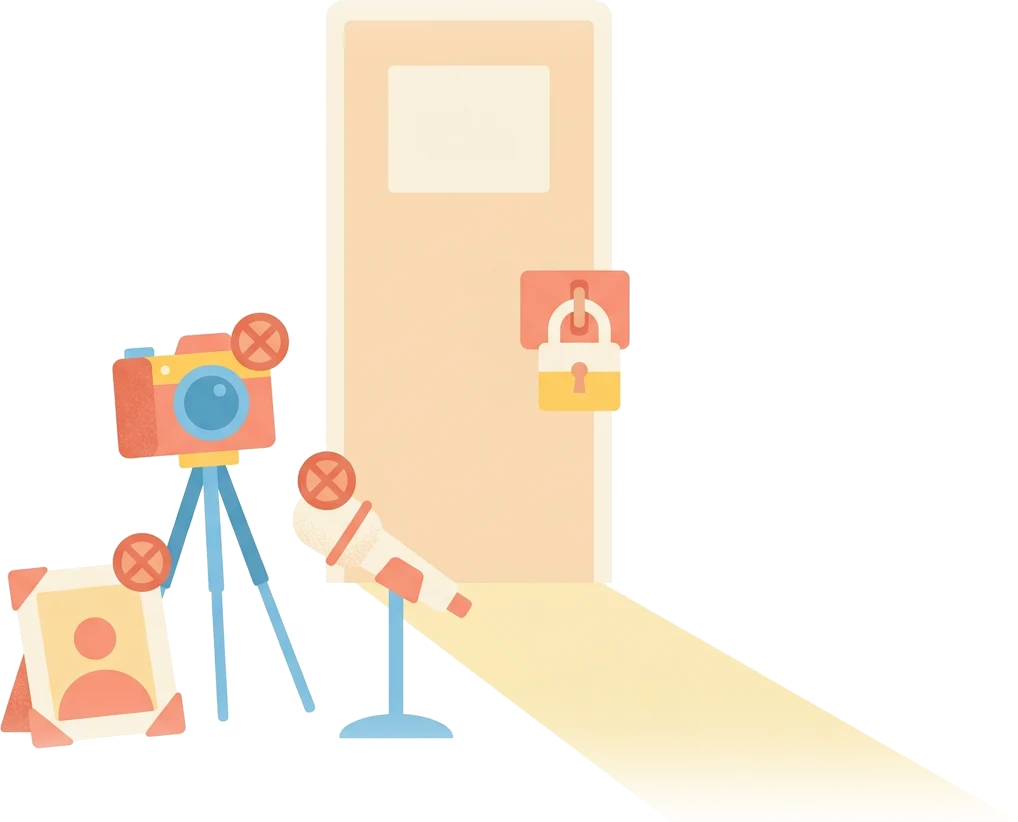
- Video, photographs or audio of your child.
- A date of birth, a home address, a phone number, a school ID or a photograph of your child.
- An email address for your child.
- Anything sold, rented or shared with an advertiser. We run no advertising and have no advertisers.
- Third-party analytics or tracking inside the product. There is no Google Analytics, no pixel, no session recorder.
Who can access it?
Read the details
You. A parent account can see its own children, and no other family’s.
That is not a rule we wrote down and hope everybody follows — the database itself refuses to return another family’s rows, and we test that by trying it.
Your child, if you give them a login. Signed in as themselves they see their own lessons. Your dashboard asks for your PIN every time it opens.
Your child’s teacher, if a school is using it. A teacher can see the students in a class they created — including their class exercise results — and nothing outside it. If you are not using Radlic through a school, no teacher can see anything.
Two companies that hold it for us, because we do not run our own servers. Supabase stores the database and Vercel serves the app. They store it on our behalf under contract and use it for nothing of their own. If you sign in with Google, Google confirms to us that the email address is yours and tells us nothing else about you.
Nobody else. We do not sell it, rent it or share it with advertisers, and we have no advertisers to share it with.

Deleting it
Read the details
Delete a child from your account and everything attached to them goes with it — every session, every answer, every record. Not marked as hidden: removed. You can download a copy of each child’s data first, and close the whole account yourself from the account page in the parent dashboard, which removes your children and their logins with it. If anything is left you want gone, email support@radlor.com.
What we have not finished
Read the details
We would rather write this than let you find it out later. Radlic is early software. Signing up is an email address and a password, or a Google account — it is not one of the formal age-verification methods that a regulator such as the American COPPA rules expect of a service aimed at young children, and we are not going to claim it is. We are working on it. In the meantime the honest position is that an adult sets the account up, and the design assumes that adult is nearby.
If a specific requirement matters to you — for a school, a district, or your own peace of mind — write and ask. You will get a straight answer about what we do and do not have, including the parts we have not built yet.
Asking us anything
Read the details
support@radlor.com reaches the people who built the thing. The full legal policy is published inside the product at radlic.com/legal/privacy; this page is the same facts without the lawyering. Privacy on this website — as opposed to in the product — is its own short page.